How to Save and Reuse AI Prompts
Three simple steps to build your prompt library.
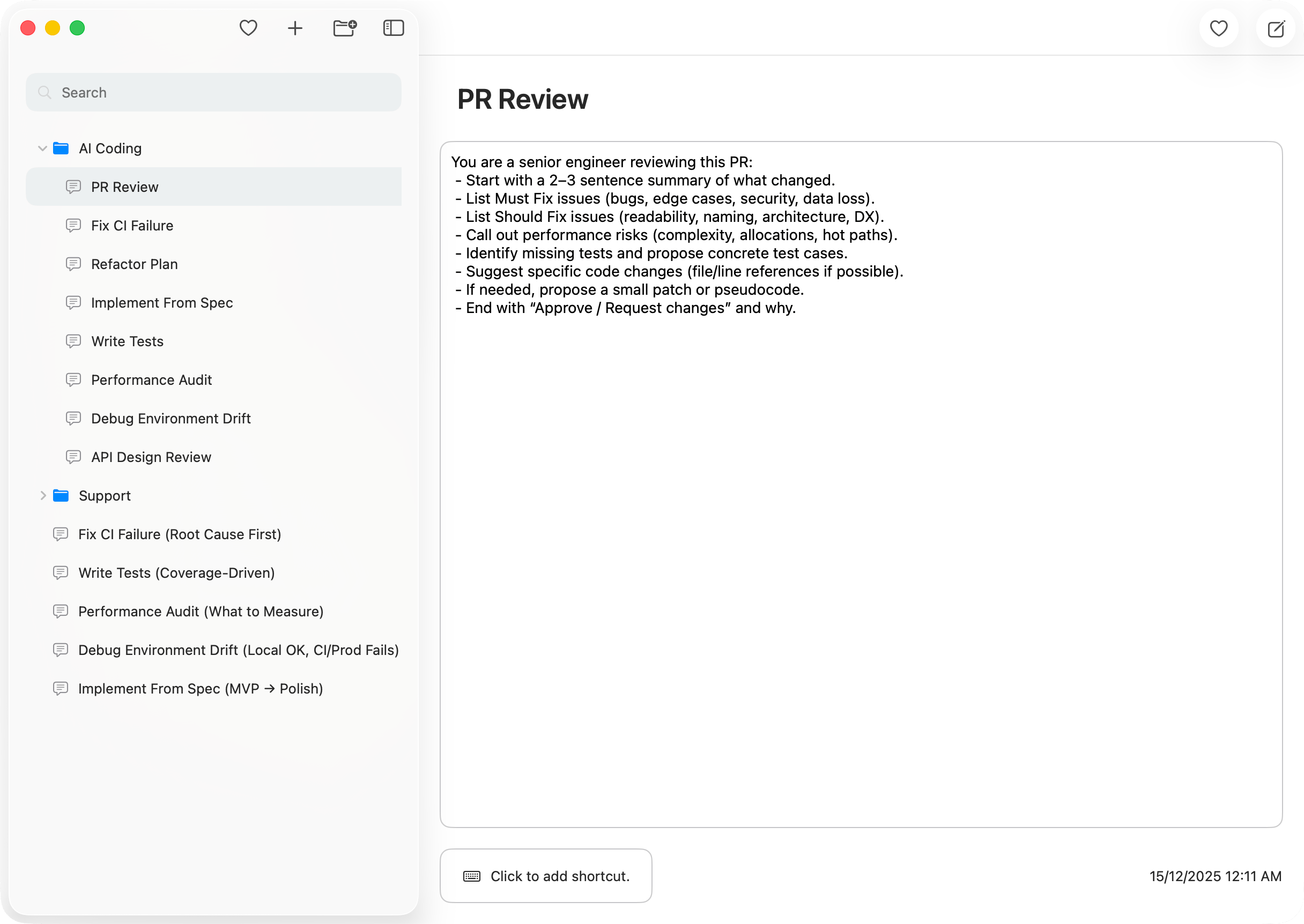
Create
Save prompts in seconds and keep them ready to reuse anytime.
Find
Instant search + folders help you find the right prompt the moment you need it.
Copy
Copy with a shortcut or Quick Access, then paste into any app.
Prompt Manager Features
Everything you need to save, organize, and reuse AI prompts on Mac.
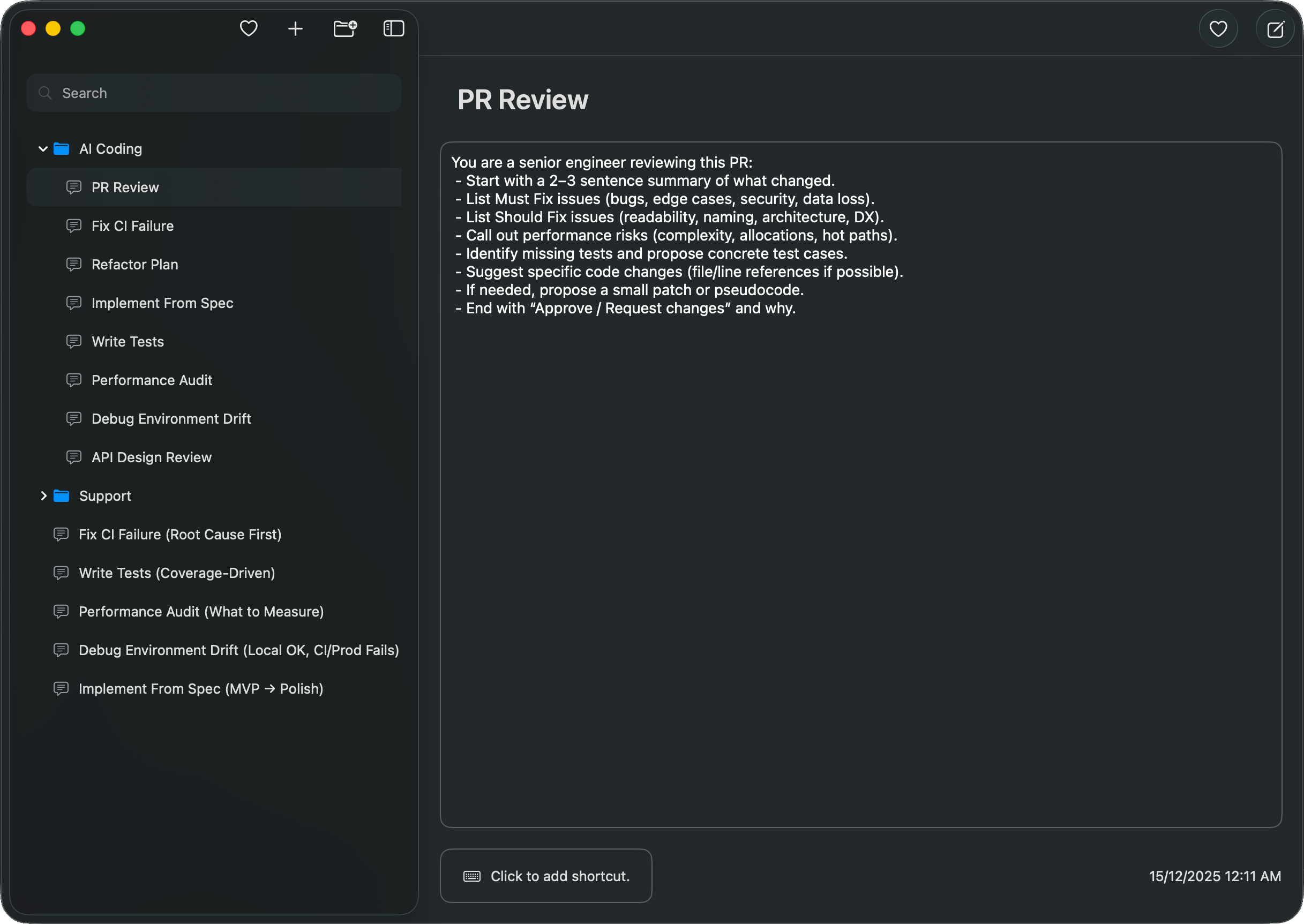
Folders
Organize prompts so the ones you use most are always close.
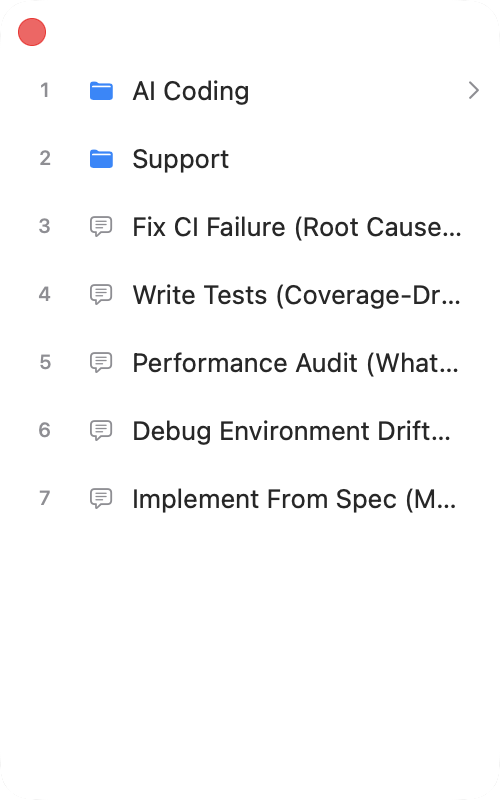
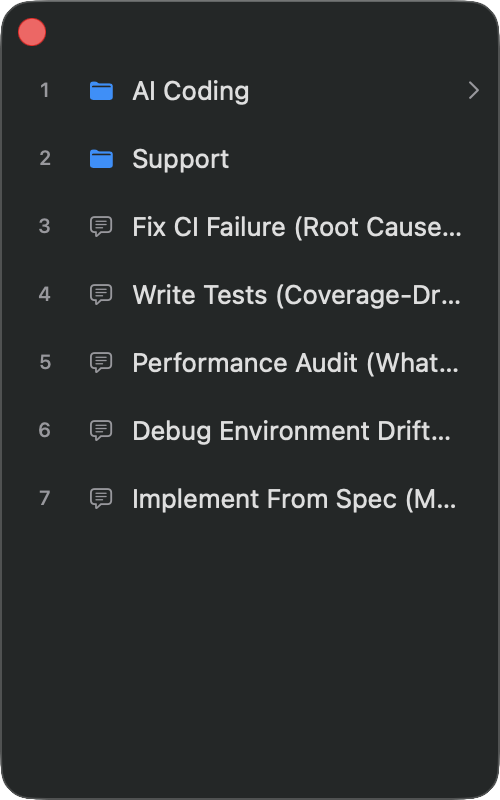
Quick Access Window
Open a floating palette with a hotkey and copy prompts in seconds.
Instant Search
Find any prompt instantly — by title or by content.
Global Shortcuts
Assign shortcuts to prompts and copy without switching apps.
Offline-first
No accounts. No cloud. Your prompt library stays on your Mac.
Privacy Focused
No third-party analytics, no tracking, no data collection—everything stays local.
Frequently Asked Questions
Quick answers to common questions about AINoter.
How do I save my ChatGPT prompts for reuse?
Create a new prompt in AINoter, paste your text, and optionally assign a keyboard shortcut. Your prompt is saved locally and ready to copy anytime.
Does AINoter work with Claude, Gemini, and other AI tools?
Yes. AINoter works with any AI — ChatGPT, Claude, Gemini, Copilot, or any text field. Just copy your prompt and paste it anywhere.
Does the prompt manager work offline?
Yes. Everything is stored locally on your Mac. No internet connection required, no cloud sync, no accounts.
Is my prompt data secure?
Absolutely. No third-party analytics, no tracking, no data collection in the app. All prompts stay on your Mac — we never see them.
What is Quick Access Window?
A floating search palette you can open with a hotkey from any app. Find and copy prompts in seconds without switching windows.
Can I organize prompts into folders?
Yes. Create folders to group prompts by project, AI tool, or any category. Drag and drop to reorganize anytime.
Where can I find the full documentation?
Check out our complete guide with step-by-step instructions for all features.