Store, organize, and reuse AI prompts
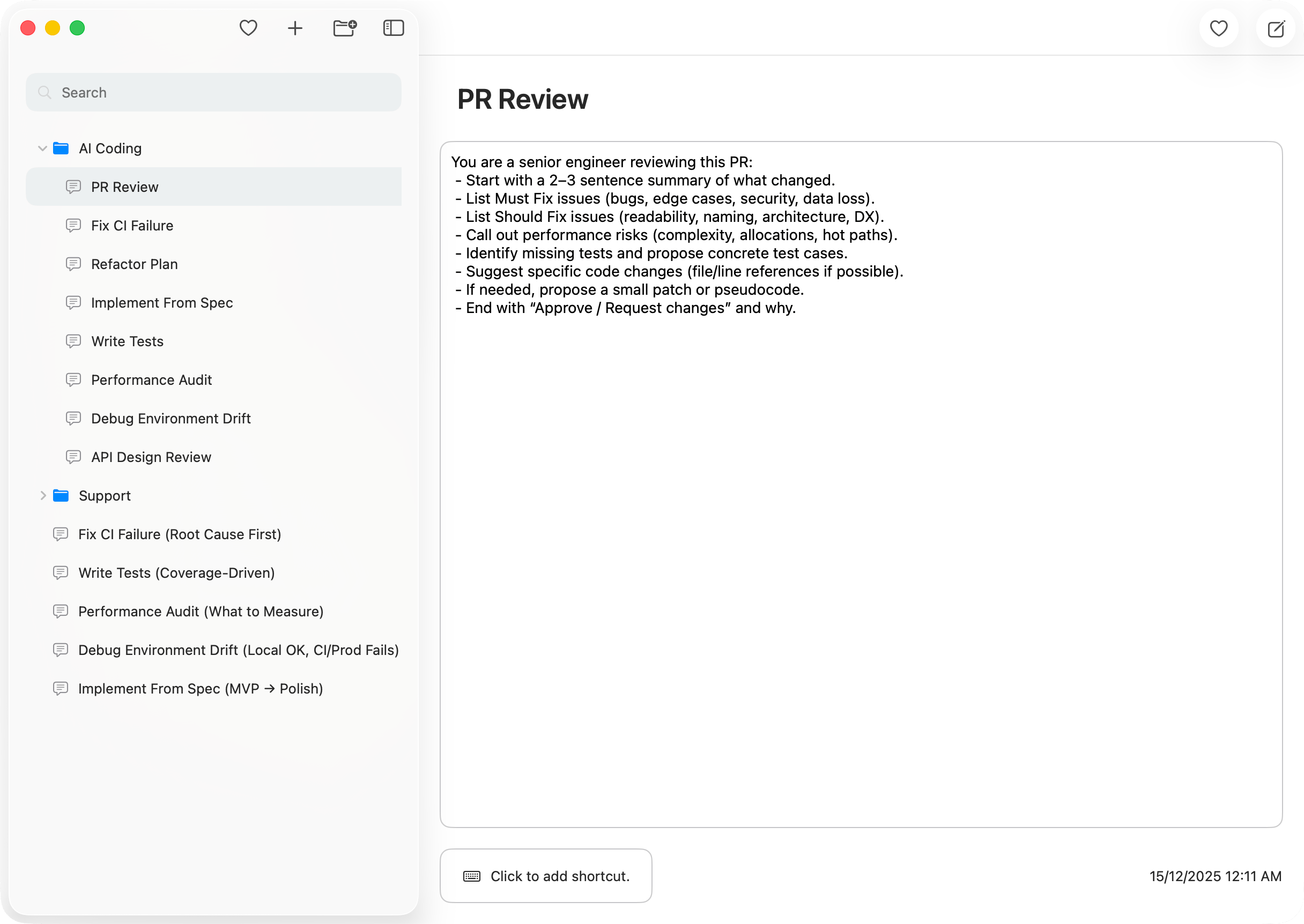
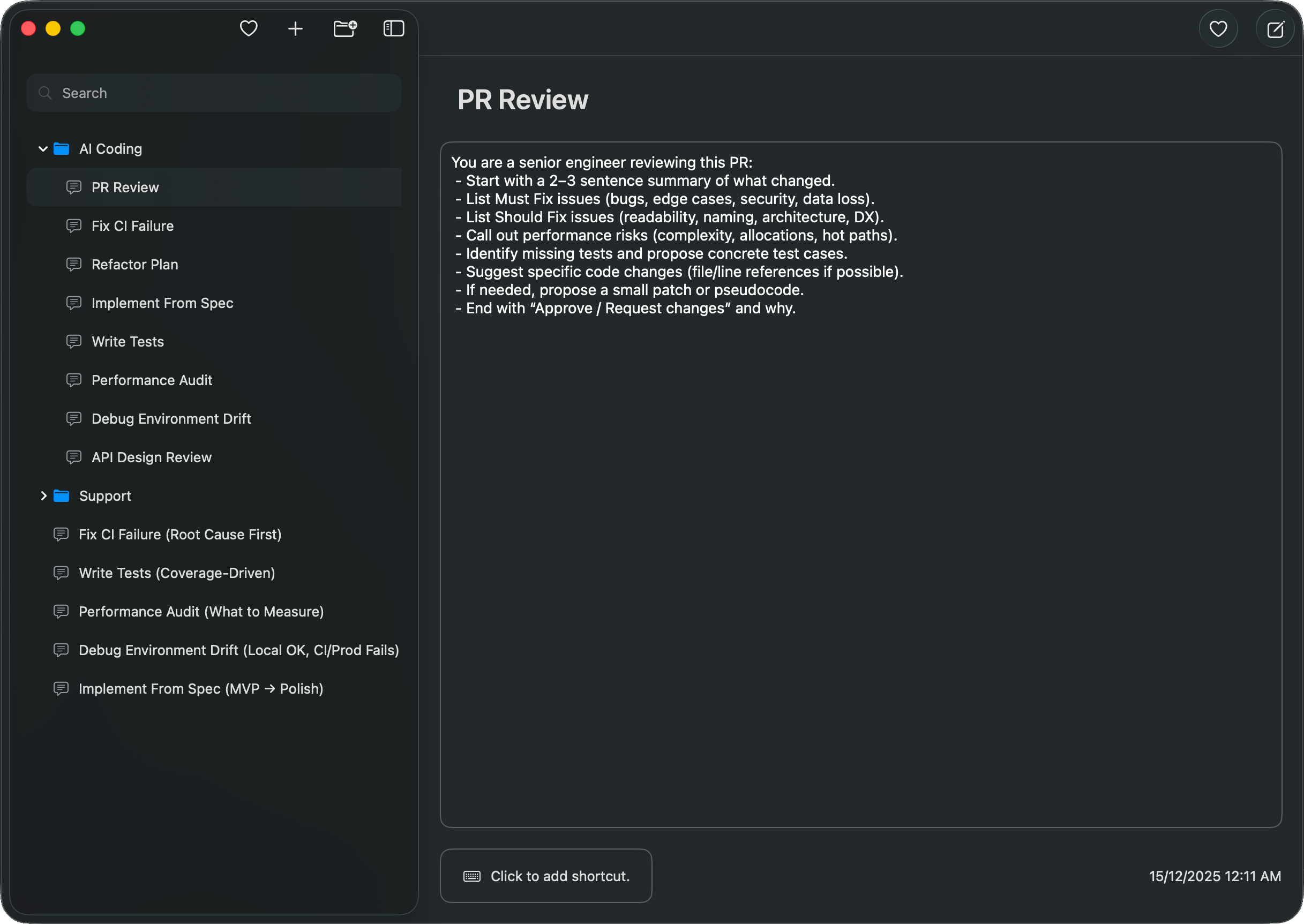
Prompt manager for macOS. Store prompts for ChatGPT, Claude, Gemini in folders. Search instantly and copy using shortcuts or Quick Access Window.
- Folders and instant search
- Configurable hotkeys + Quick Access window
- Works without an internet connection
How it works
AINoter simplifies your workflow in three easy steps.
Create
Save prompts in seconds and keep them ready to reuse anytime.
Find
Instant search + folders help you find the right prompt the moment you need it.
Copy
Copy with a shortcut or Quick Access, then paste into any app.
Powerful Features
Designed to boost your productivity and ensure your data privacy.
Folders
Organize prompts so the ones you use most are always close.
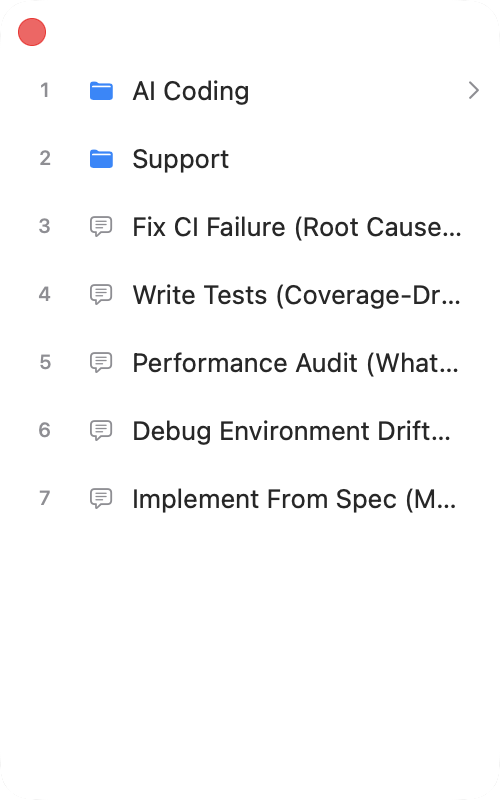
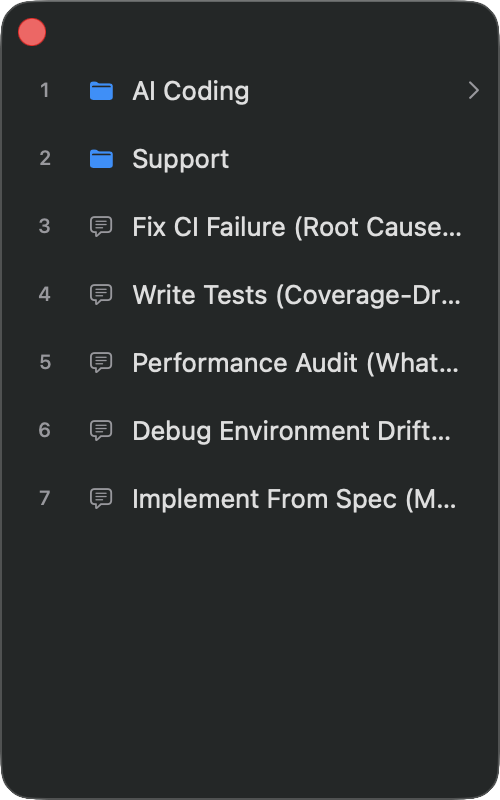
Quick Access Window
Open a floating palette with a hotkey and copy prompts in seconds.
Instant Search
Find any prompt instantly — by title or by content.
Global Shortcuts
Assign shortcuts to prompts and copy without switching apps.
Offline-first
No accounts. No cloud. Your prompt library stays on your Mac.
Privacy Focused
No analytics, no tracking, no data collection—everything stays local.
Frequently Asked Questions
Quick answers to common questions about AINoter.